Put your travels
on the map.
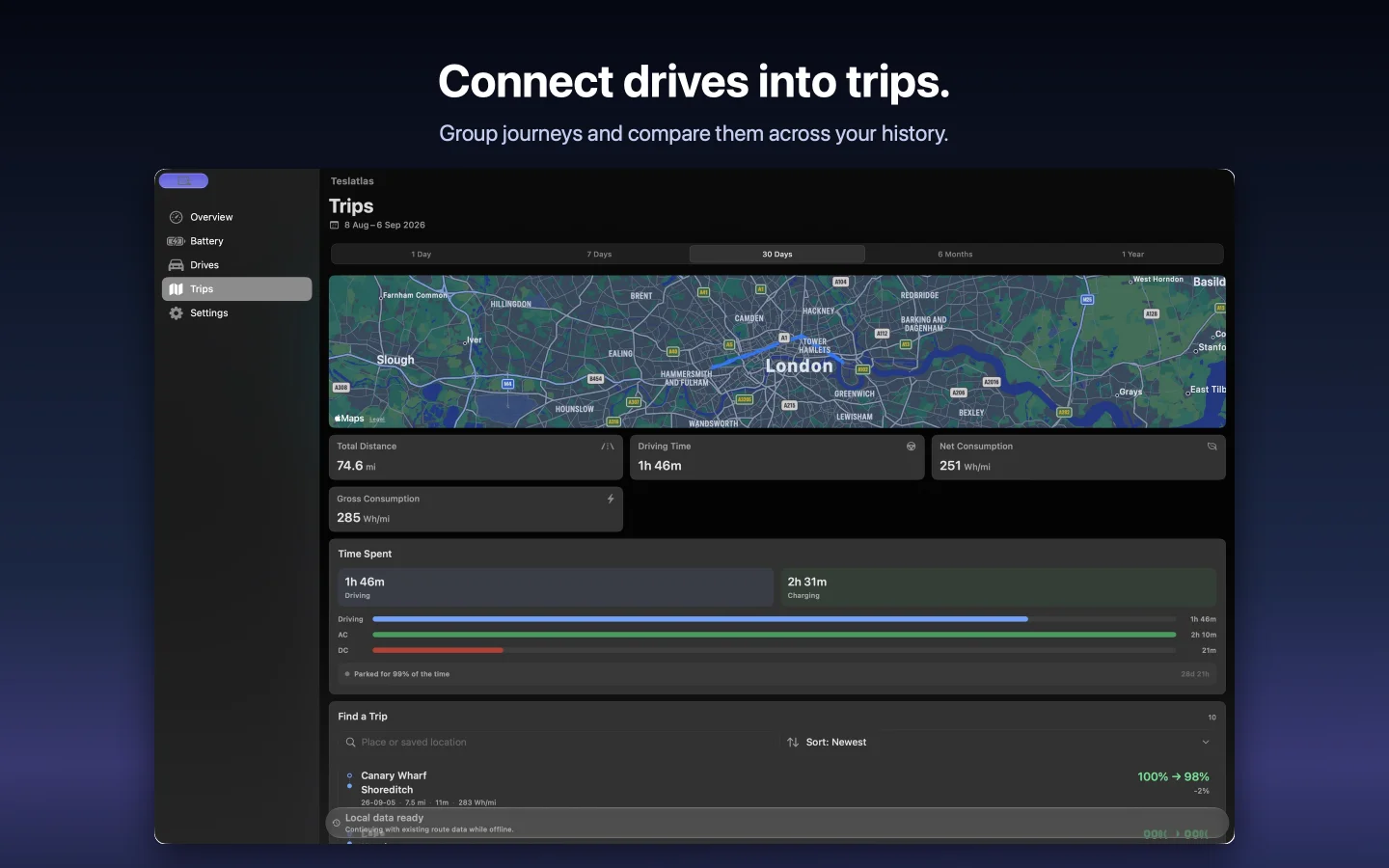
See journeys together in Trips. The wider window gives routes and trip summaries space, so it is easy to follow where your days took you.
 View screenshot
 Teslatlas for Mac
Settle in with your driving history. Explore routes, revisit journeys and make sense of your energy use in a spacious Mac app.
Connect your TeslaMate or MyTeslaMate-compatible source.
Or explore the built-in offline demo.
 View screenshot
 Explore the app
See journeys together in Trips. The wider window gives routes and trip summaries space, so it is easy to follow where your days took you.
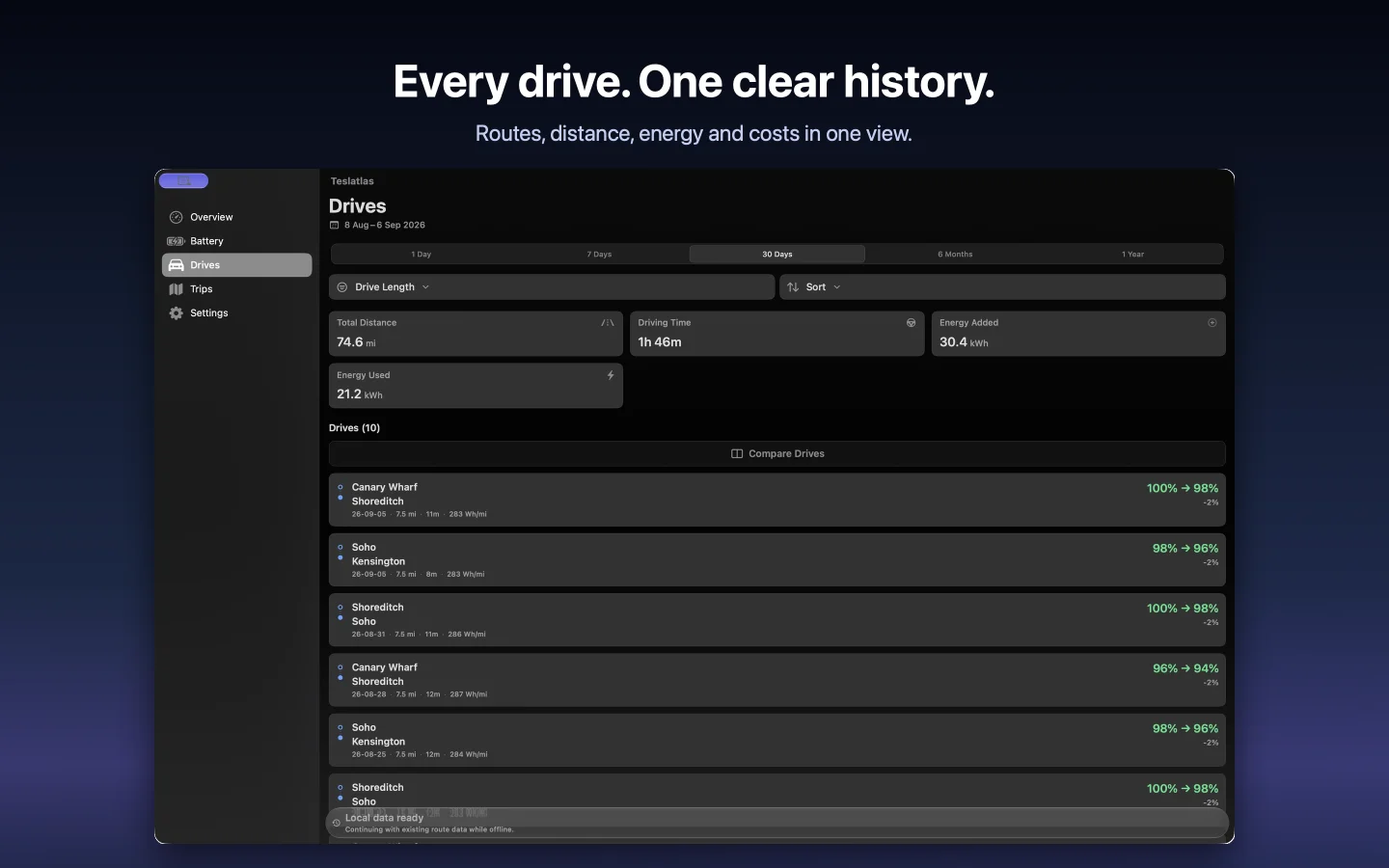
View screenshot Browse your recorded drives and open the journeys that catch your eye. Distance, time and energy help put each one in context.
 View screenshot
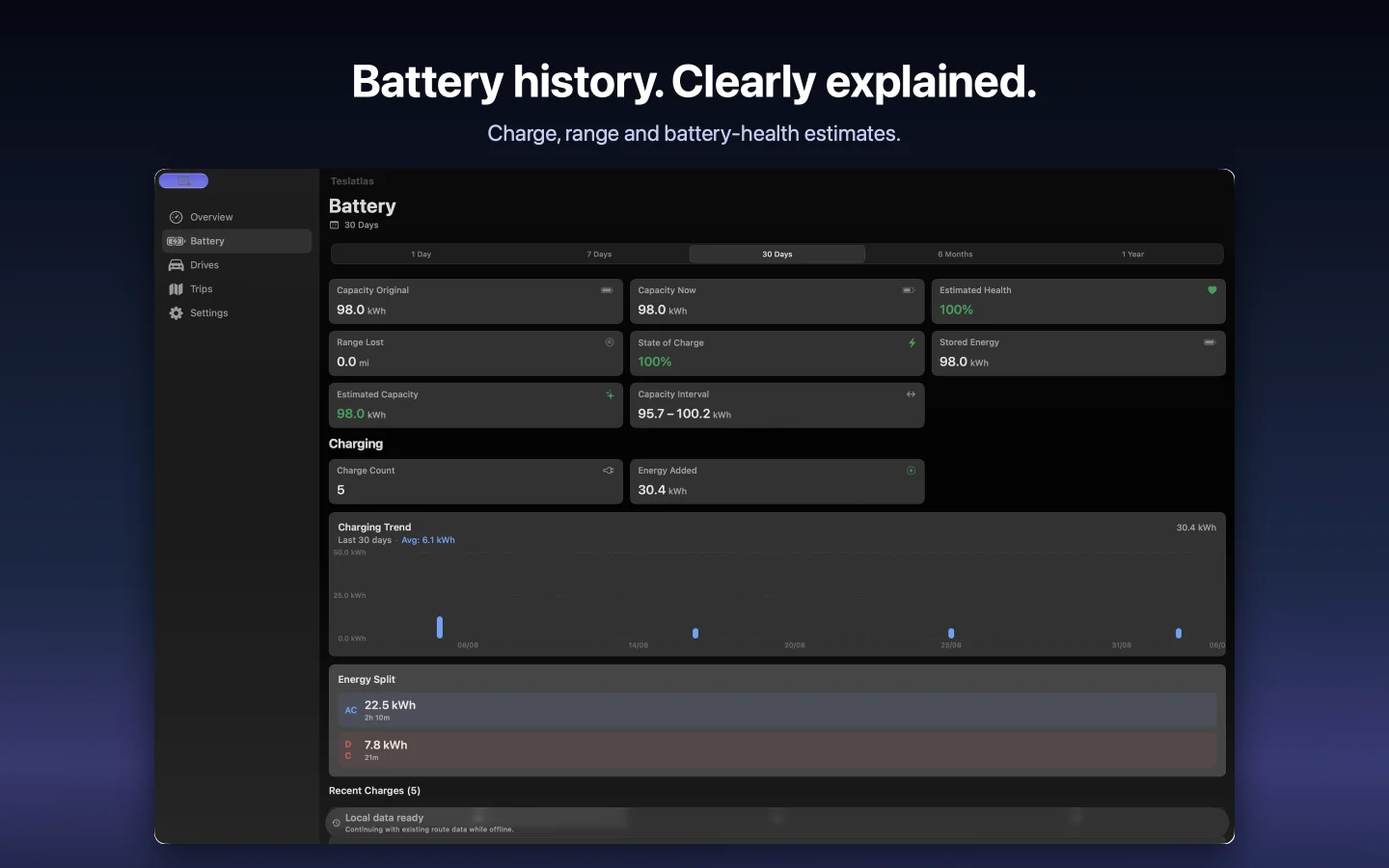
 Review charging history alongside battery trends. Bring the records together to understand how energy use changes across your available history.
 View screenshot
 Period summaries
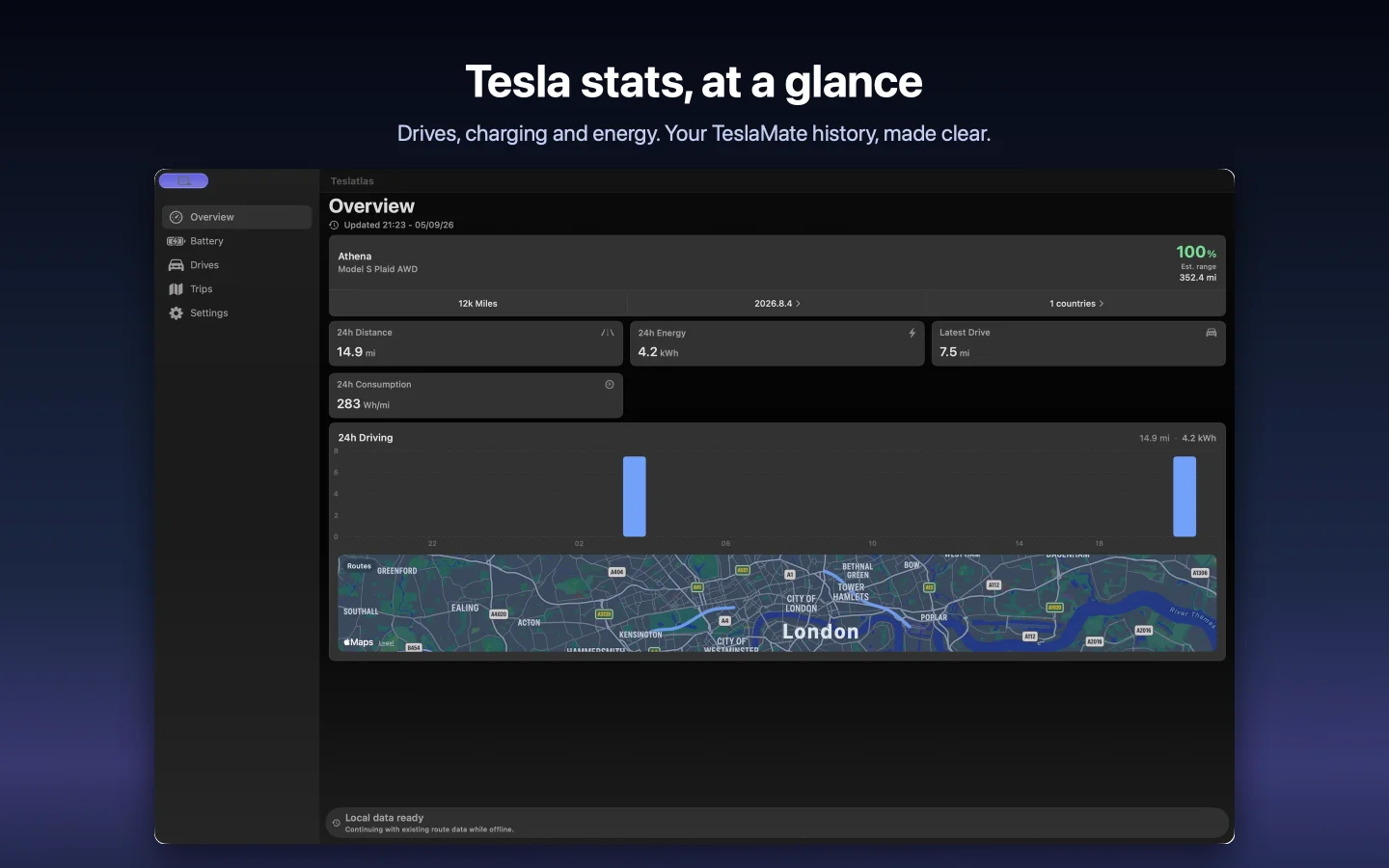
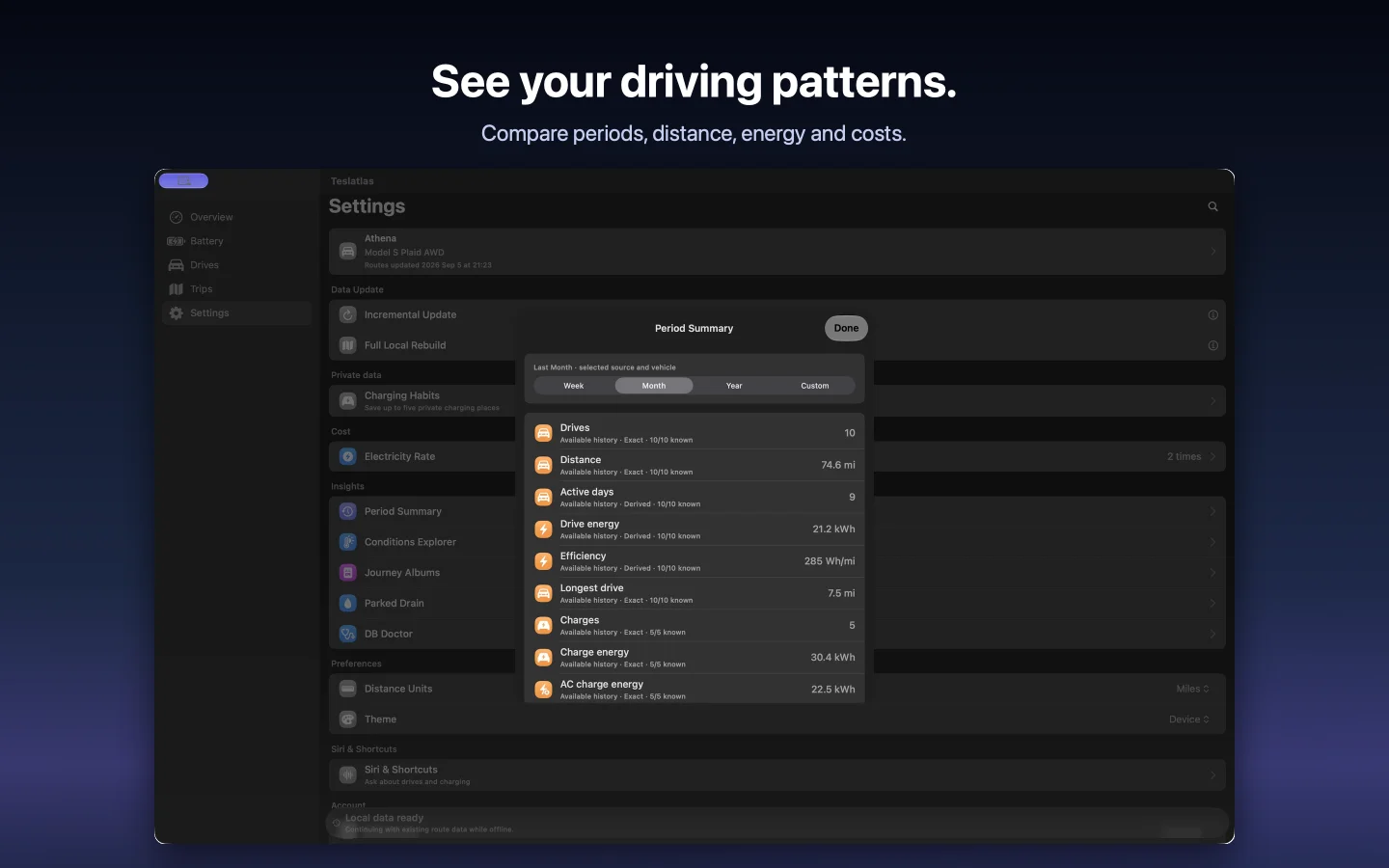
Choose a period and review driving, charging and energy together. Take a moment to see the bigger picture behind the everyday journeys.
 View screenshot
 A little history. Or a lot.
30days
Your recent history.
365days
A longer view.
Rolling history windows, limited to records available from your source. Apple shows the current purchase price. Source hosting is separate.
Download the app for your device.
Choose Try Demo (Offline). Explore sample history without a source account or purchase.
Connect your TeslaMate or MyTeslaMate-compatible source. Sync your records and explore.
Good to know
A separately configured TeslaMate PostgreSQL database or MyTeslaMate-compatible API source. Teslatlas reads your records without changing your source or sending vehicle commands. The offline demo needs neither. TeslaMate setup documentation ↗
Full Access is a one-time purchase for a rolling window of up to 365 days of available history. Free access covers the latest 30 days with no trial countdown. Restore eligible purchases in Settings; supported legacy annual purchases remain restorable.
Prepared history stays on your device after sync. The app does not automatically upload vehicle history or product analytics to Magrathean. Connections and Apple services can use the network, and you choose whether to share exports or support material. Read the privacy policy ↗