 Teslatlas
Your vehicle history,
clear and local.
Teslatlas is an independent, offline-first Apple app compatible with TeslaMate and MyTeslaMate sources. Sync from a separately installed source you control, then browse an on-device mirror. No Magrathean account, no cloud relay, no app analytics, no vehicle-data collection by us.

- Read-only: No vehicle commands.
- Offline after sync: Your mirror stays local.
- No account: No Magrathean account.
- No relay: No Magrathean cloud relay.
- No app data collection: Nothing sent to us unless you choose.
Built around vehicle history you control.
Focused views over a separately installed TeslaMate or MyTeslaMate-compatible source. Vehicle history stays on your device unless you choose to send support material. No warranty, repair, or degradation promises.
01. Drive history
Routes, trips, and recent activity in readable screens.
02. Charging view
Sessions, home cost hints, and charge context.
03. Battery labels
Estimates stay clearly marked as informational only.
04. Offline cache
Prepared history opens locally after sync.
05. Compatible API source
Connect a separately configured MyTeslaMate-compatible source.
06. PostgreSQL source
Connect your own TeslaMate database using read-only access.
Teslatlas screenshots
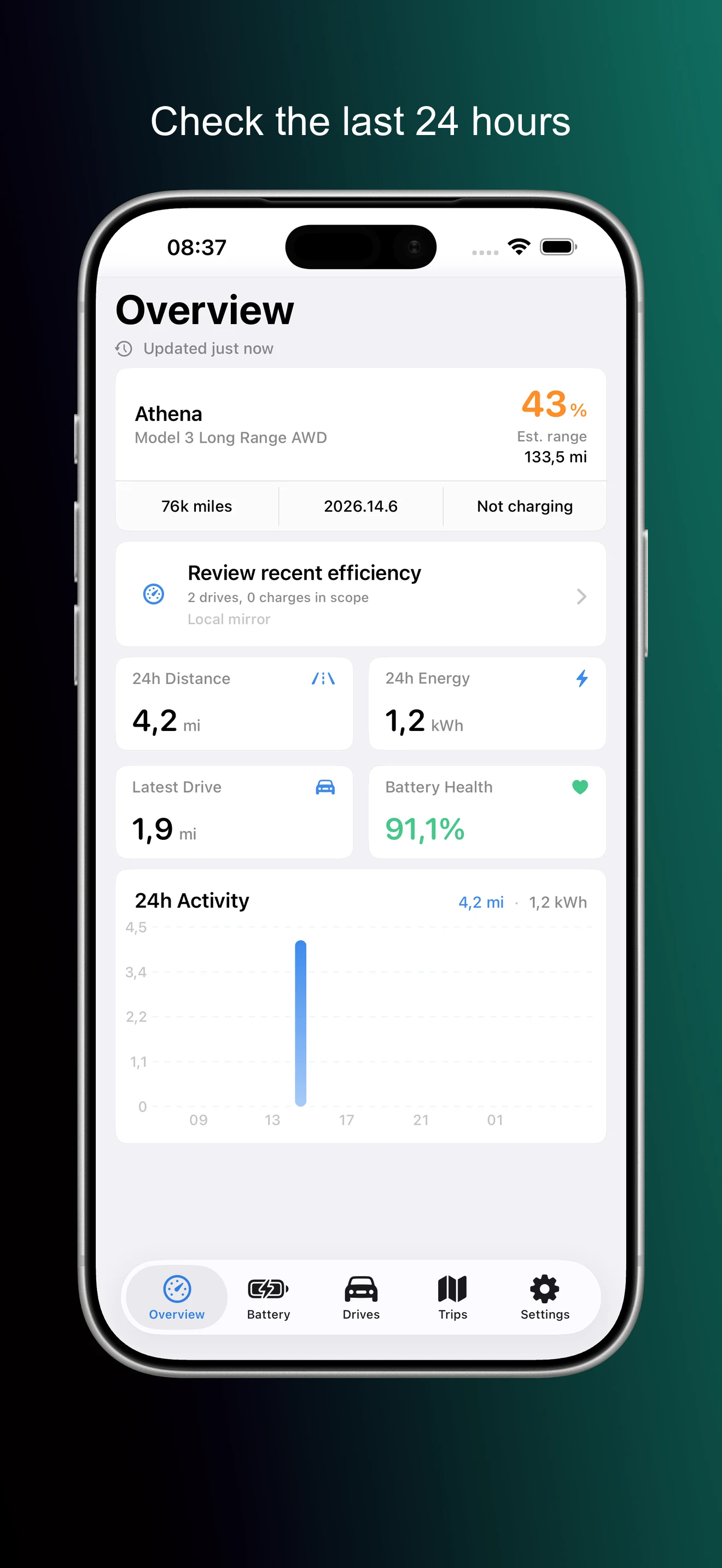
- Map history.
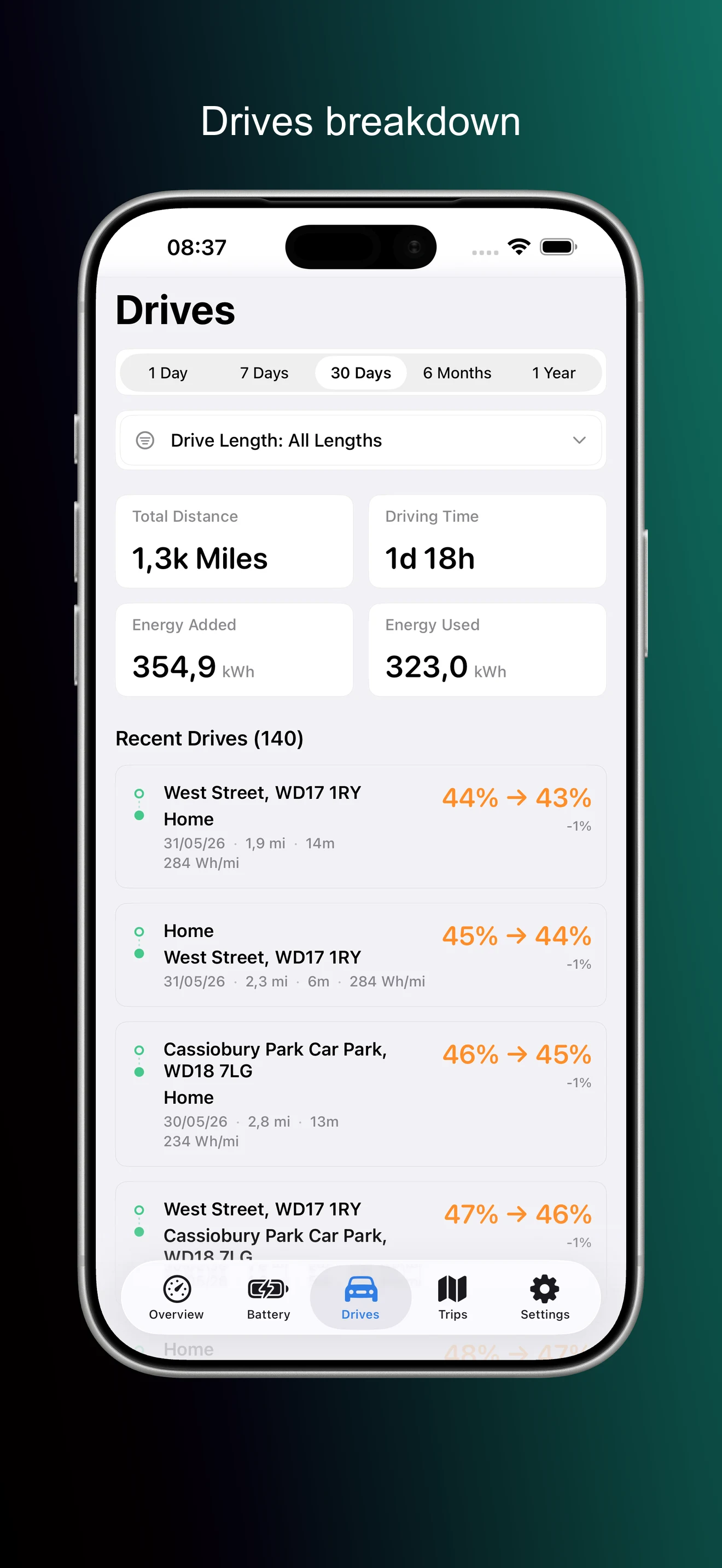
- Drives breakdown.
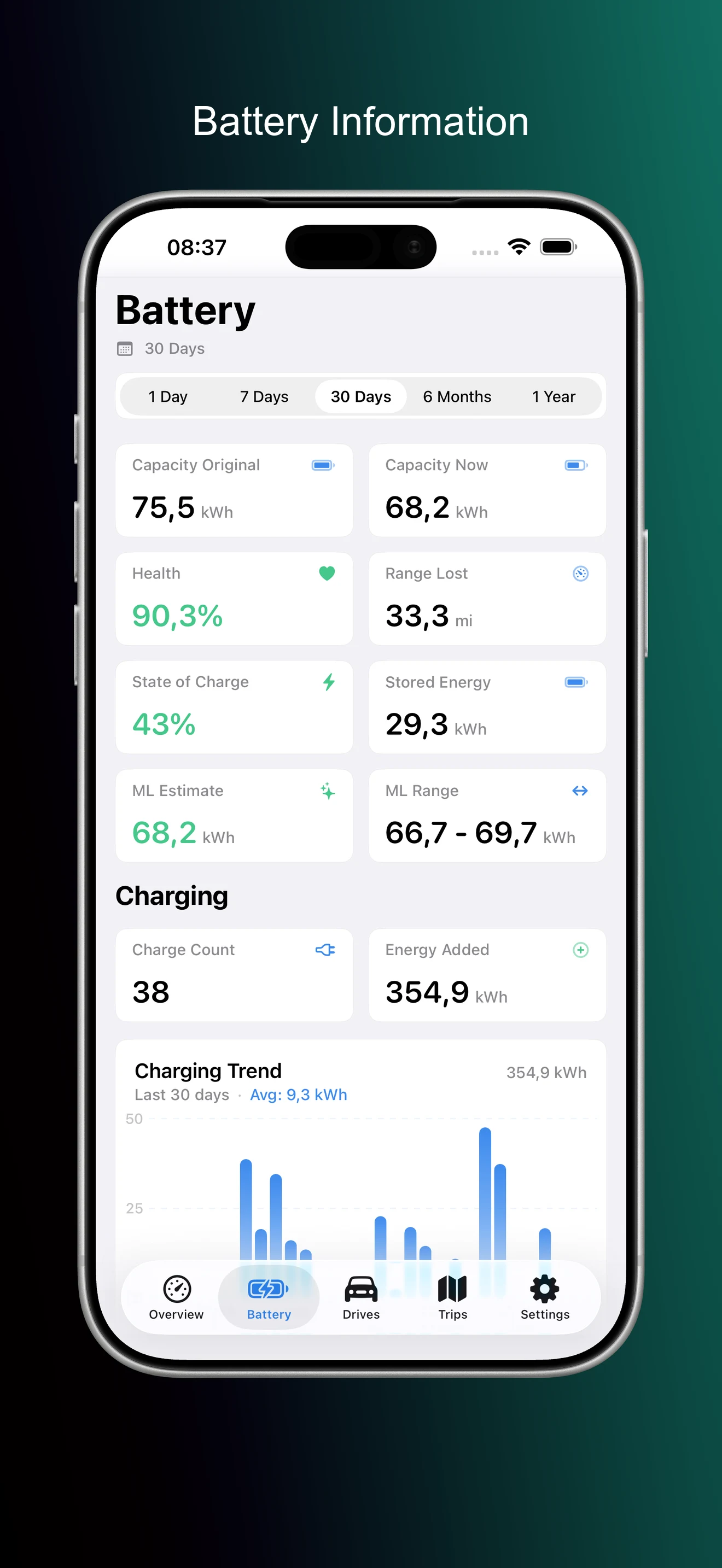
- Battery information.
- Charge sessions.
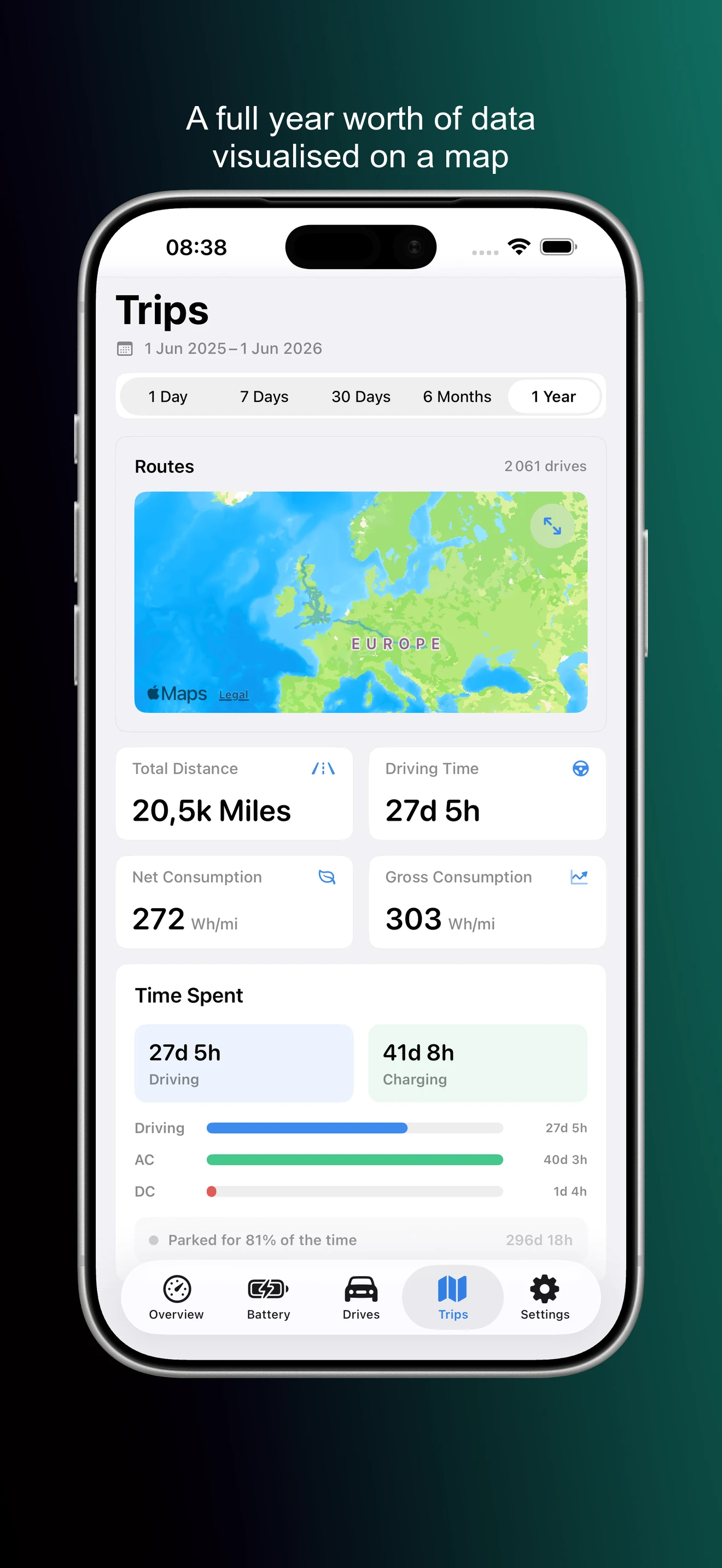
- Routes and trips.
- Offline ready.
- Informational.
- Local mirror.
Built to complement TeslaMate.
TeslaMate is a separate open-source project maintained by its community. We appreciate the work of its maintainers and contributors.
Independent and read-only
Teslatlas is an independent Apple app compatible with TeslaMate. It reads from a separately installed, user-controlled source into an on-device mirror. It never changes TeslaMate data or sends vehicle commands.
The right support
For help with Teslatlas, contact Magrathean. For TeslaMate installation and operation, use the official TeslaMate documentation and community support channels.
One App Store subscription.
Separate source required
Bring your own
Use your own installed TeslaMate server or separately configured MyTeslaMate-compatible source. Source hosting is not included.
Teslatlas
7 day trial
then $9.99 /year
Available on iPhone, iPad, and Mac.
Trust limits
Read-only
Outputs are informational only, not repair or warranty evidence. App data stays local.
Short answers.
Is Teslatlas affiliated with Tesla?
No. Teslatlas is an independent Magrathean product and is not affiliated with or endorsed by Tesla, Inc.
Is Teslatlas part of TeslaMate?
No. TeslaMate is a separate community-maintained open-source project. Teslatlas is an independent, proprietary Apple app that is compatible with it.
What source do I need?
A separately installed TeslaMate server you control or a separately configured MyTeslaMate-compatible source. Teslatlas does not include, install, or host either source.
Who supports each product?
Magrathean supports Teslatlas. Use the official TeslaMate documentation and community channels for TeslaMate installation and operation.
Does it control the car or change TeslaMate?
No. Teslatlas reads into a local mirror. It never changes TeslaMate data and never sends vehicle commands.
Does Magrathean collect my vehicle data?
No. Teslatlas sends no data to Magrathean—ever, including diagnostics.
Can I use it offline?
Yes after sync. Teslatlas keeps a local mirror on your device so you can browse prepared history without a Magrathean cloud account.
Can I rely on battery estimates?
No. Treat them as informational only.